Overview: Connecting Instagram
Connect your Instagram account to Sociovite to manage customer Direct Messages in one place. Once connected, your team can receive and reply to Instagram messages directly from Sociovite.
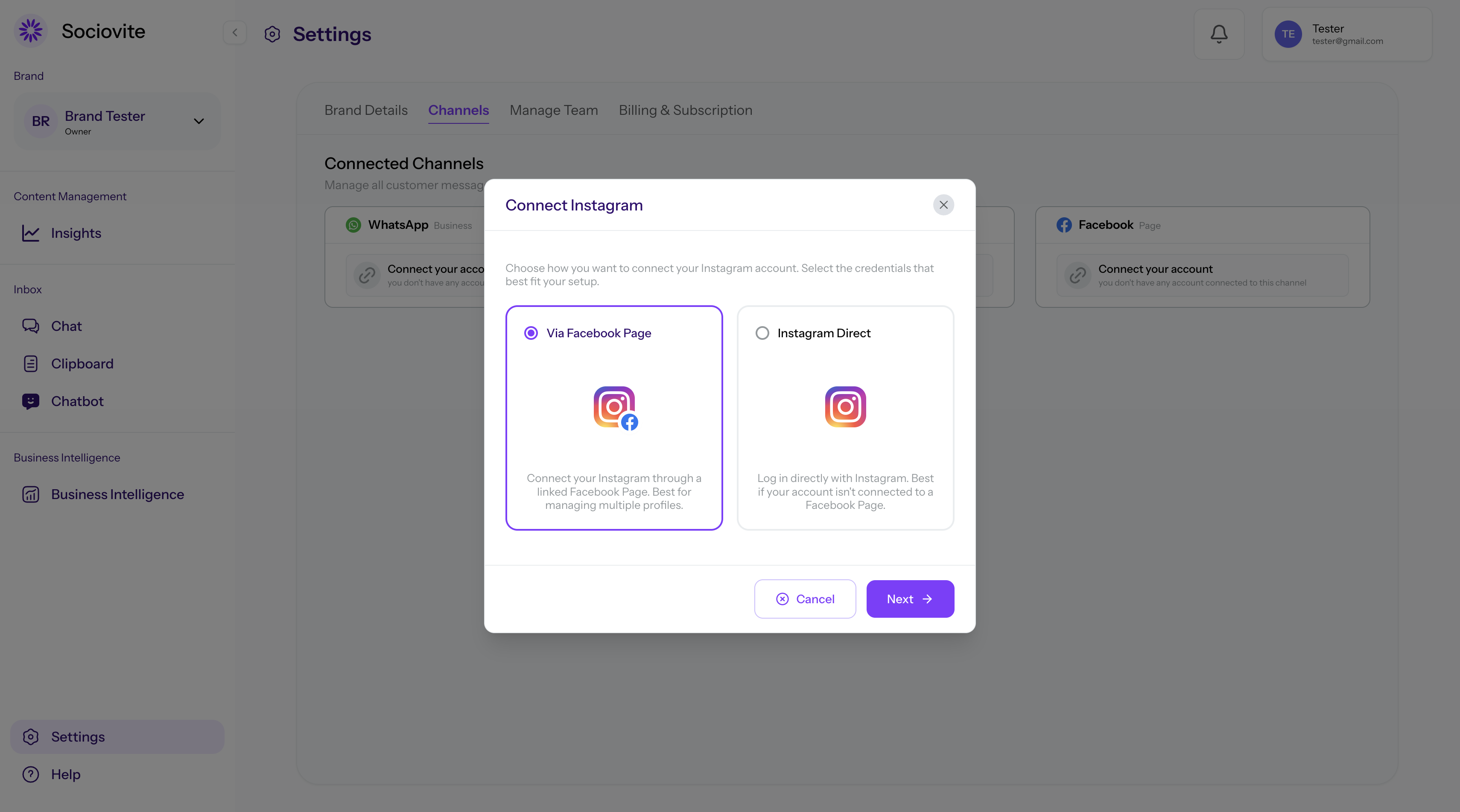
Choose a Connection Method
1. Via Facebook Page (Recommended): Choose this option if your Instagram account is linked to a Facebook Page. This method provides a more reliable connection and message sync.
2. Instagram Direct (Standalone): Choose this option if your Instagram account is not linked to a Facebook Page. You can connect directly using your Instagram login credentials.
Requirements: Your Instagram account must be a Professional Account (Business or Creator), and 'Allow Access to Messages' must be enabled in the Instagram mobile app.
Last updated on September 25, 2026
Was this doc helpful?